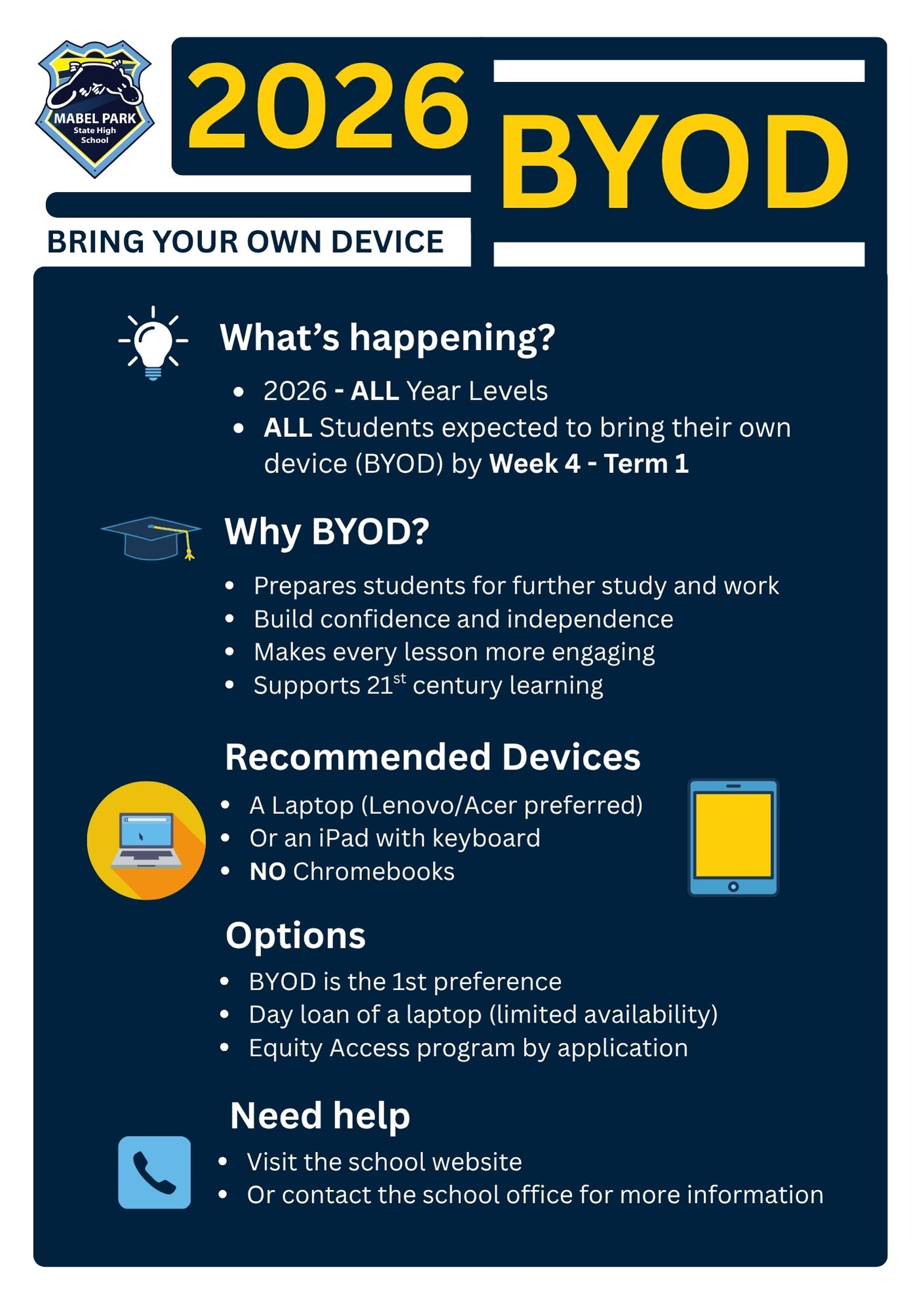
Bring Your Own Device
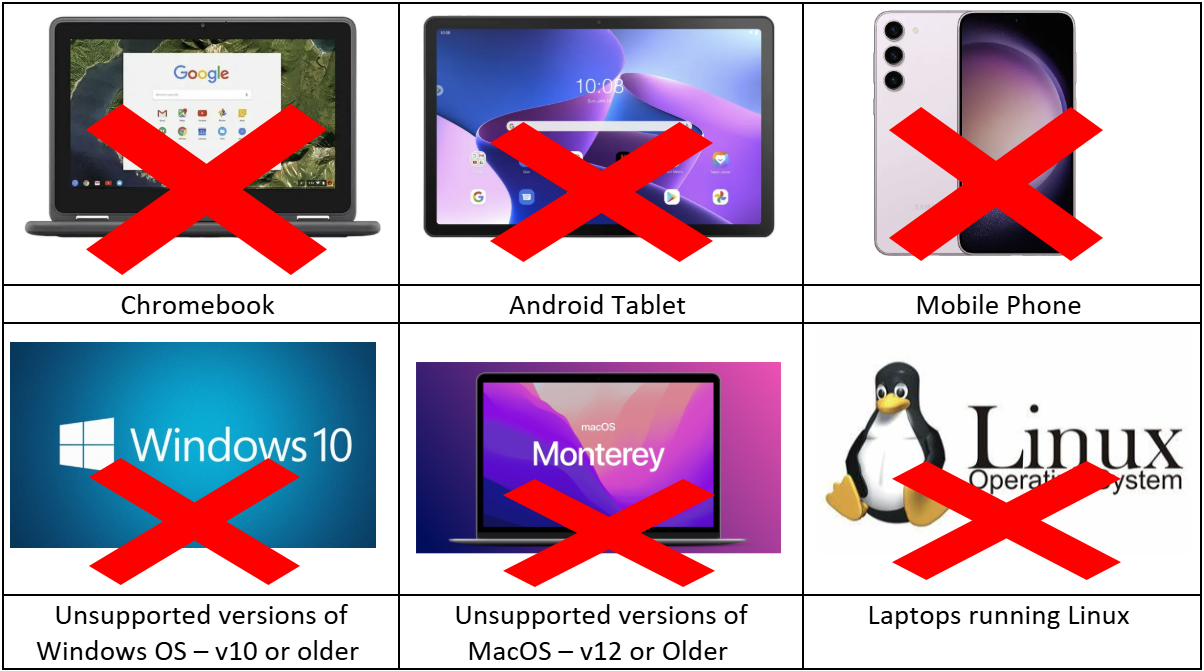
Below are the installation guides for Windows 11, iPad, and macOS devices.
We recommend enrolling your device at home. If this is not possible, you may enrol your device at school using the guest Wi-Fi network (EQGUEST).
If you are unsure whether your device needs to be enrolled in Intune, please contact your school for advice. If you experience any issues during the enrolment process, contact your school’s IT support or administration team for assistance.
Windows 11 Guides
Windows 11 device video enrolment guide External link
iPad Guides
Apple iOS device video enrolment guide External link
Macintosh Guides
Apple MacOS device video enrolment guide
✅ Windows 11
Additional BYOD Information